'%3e%3cpath%20id='Vector'%20d='M11.474%207.12258C11.5964%207.0054%2011.6667%206.84133%2011.6667%206.66946C11.6667%206.49758%2011.5964%206.33613%2011.474%206.21633L6.89063%201.84133C6.64063%201.60175%206.24479%201.61217%206.00781%201.86217C5.77083%202.11217%205.77865%202.508%206.02865%202.74498L9.48177%206.04446H0.625C0.278646%206.04446%200%206.3231%200%206.66946C0%207.01581%200.278646%207.29446%200.625%207.29446H9.48177L6.02604%2010.5913C5.77604%2010.8309%205.76823%2011.2241%206.00521%2011.4741C6.24219%2011.7241%206.63802%2011.732%206.88802%2011.495L11.4714%207.11998L11.474%207.12258Z'%20fill='%23FCFCFC'/%3e%3c/g%3e%3cdefs%3e%3cclipPath%20id='clip0_0_36'%3e%3crect%20width='11.6667'%20height='13.3333'%20fill='white'/%3e%3c/clipPath%3e%3c/defs%3e%3c/svg%3e)


'%3e%3cpath%20id='Vector'%20d='M31.999%2031.9996H0V0H31.999V31.9996Z'%20fill='%23FF6600'/%3e%3cpath%20id='Vector_2'%20d='M9.26953%207.85547H11.7751L14.9995%2014.3543C15.4707%2015.3217%2015.8677%2016.2643%2015.8677%2016.2643C15.8677%2016.2643%2016.2896%2015.3466%2016.7854%2014.3543L20.0599%207.85547H22.3916L16.8597%2018.249V24.8719H14.7517V18.1249L9.26953%207.85547Z'%20fill='white'/%3e%3c/g%3e%3c/g%3e%3cdefs%3e%3cclipPath%20id='clip0_0_7'%3e%3crect%20width='32'%20height='32'%20rx='5'%20fill='white'/%3e%3c/clipPath%3e%3c/defs%3e%3c/svg%3e)





Here is the corrected version of the article with the specified issues fixed.
Running a growing business is complicated enough without juggling dozens of spreadsheets and disconnected tools for recruiting, HR, and payroll. Manual data entry leads to errors, fragmented systems create administrative headaches, and slow processes mean you can’t onboard new hires fast enough. The solution is an integrated Human Resource Management System (HRMS) that combines core HR functions with powerful payroll processing. This guide breaks down everything you need to know about choosing the right HRMS payroll software for your company in 2025.
Definitions: What is HRMS payroll software?
The HR tech world loves its acronyms, and they can be confusing because vendors often use them interchangeably. Here’s a simple breakdown of what they generally mean.
HRIS (Human Resource Information System)
Think of an HRIS as the foundation. Its primary job is to be a central database for core employee information, like contact details, job titles, and compliance documents. It’s the digital filing cabinet that replaces spreadsheets and helps with basic HR administration. If you’re still sorting out the basics, see our breakdown of what an HRIS is and how it differs from HRMS.
HRMS (Human Resource Management System)
An HRMS includes everything an HRIS does but adds more robust features for managing the entire employee lifecycle. This typically includes modules for payroll, time and attendance tracking, benefits administration, and sometimes recruiting. An HRMS payroll software is specifically an HRMS where the payroll function is a core, deeply integrated component.
HCM (Human Capital Management)
HCM is the most comprehensive category. It covers all the functions of an HRMS but adds strategic talent management capabilities. This includes performance management, succession planning, learning and development, and advanced workforce analytics. HCM platforms treat employees as strategic assets and focus on maximizing their value to the business.
HRMS vs ERP Payroll
Another term you might encounter is ERP (Enterprise Resource Planning). An ERP system is a massive, all encompassing software suite designed to manage an entire business, including finance, supply chain, manufacturing, and HR.
-
HRMS is specialized software focused exclusively on managing your workforce. It offers deep functionality for HR, payroll, benefits, and talent management.
-
ERP Payroll is one module within a much larger system. While it can be powerful, especially when tightly integrated with the company’s financials, the HR features may not be as comprehensive or user friendly as a dedicated HRMS.
For most growing companies, an HRMS offers the right balance of core administration and essential management tools, making it the most practical choice.
Essential HRMS payroll features to expect
When evaluating an HRMS payroll software, there are several key features that should be on your checklist. These capabilities ensure accuracy, compliance, and efficiency.
-
Automated Payroll Processing: The system should automatically calculate wages, salaries, bonuses, and deductions, saving countless hours and reducing manual errors.
-
Tax Compliance and Filing: A crucial feature is the ability to handle multi state payroll tax compliance, including federal, state, and local withholding, and file necessary forms like W 2s and 1099s automatically.
-
Direct Deposit and Payment Flexibility: The software should support direct deposit to multiple bank accounts and offer flexibility in payment schedules.
-
Time and Attendance Integration: Seamless integration with time tracking tools is vital for accurately paying hourly employees and managing overtime.
-
Benefits Administration: The platform should manage deductions for health insurance, retirement plans like 401(k)s, and other benefits.
-
Reporting and Analytics: Look for robust reporting that provides insights into labor costs, payroll trends, and turnover rates to inform business decisions.
-
Employee Self Service Portal: A portal where employees can view their pay stubs, update personal information, and access tax documents reduces the administrative burden on HR teams.
Benefits of an integrated HRMS + payroll
Using a single, integrated platform for HR and payroll offers significant advantages over juggling separate, disconnected systems.
-
Improved Data Accuracy: With a single source of truth for all employee data, you eliminate the need for double data entry. When an employee’s details are updated in the HR module, the changes flow directly to payroll, drastically reducing the risk of errors.
-
Increased Efficiency: Automation of routine tasks like payroll calculations and tax filings frees up your HR and finance teams to focus on more strategic work. This streamlined workflow means payroll can be processed in a fraction of the time.
-
Enhanced Compliance: An integrated system helps you stay on top of ever changing labor laws and tax regulations. Automated updates ensure your payroll processing remains compliant, minimizing the risk of costly fines and penalties.
-
Better Reporting and Insights: When HR and payroll data live in the same system, you can generate comprehensive reports that provide a holistic view of your workforce costs and trends. This enables better financial forecasting and strategic planning.
-
Streamlined Employee Experience: From onboarding to offboarding, a unified system creates a smoother journey for employees. They can manage their information through a single portal, and platforms like Bolto even connect recruiting to payroll, getting new hires productive faster.
Potential Disadvantages of HRMS Payroll Software
While integrated systems offer major advantages, it is wise to consider the potential drawbacks before committing. Being aware of these challenges can help you choose the right partner and plan a smoother implementation.
-
Implementation Complexity: Migrating historical employee data and configuring a new system to fit your specific payroll rules, benefits, and policies can be a significant project. A poorly planned migration can lead to delays and errors.
-
Vendor Lock In: When you trust a single vendor with all your critical HR and payroll functions, it can be difficult and disruptive to switch providers later if you become dissatisfied with the service or pricing.
-
Cost: Comprehensive HRMS platforms come with recurring subscription fees. For very early stage startups or small businesses with simple needs, the cost might feel high compared to basic payroll services.
-
Unnecessary Complexity: Some enterprise focused HRMS platforms are packed with features that a small or mid sized business may never use. This can create a confusing user experience and mean you are paying for functionality you do not need.
How to choose HRMS payroll software: buyer’s checklist
Selecting the right HRMS payroll software is a critical decision. Use this checklist to guide your evaluation process.
Company Size and Scalability
Is the software built for a startup, a mid sized business, or a large enterprise? Ensure the platform can grow with you. A solution that’s perfect for 20 employees might not work for 200.
Geographic Footprint
Do you only operate in one state, or do you have employees across multiple states or even multiple countries? Managing multi state tax compliance is a common challenge. If you hire globally, you’ll need a solution with integrated Employer of Record (EOR) or contractor management capabilities.
Core Features and Integrations
Does the software have all the essential features you identified? How well does it integrate with your existing tools, like your accounting software or applicant tracking system (ATS)?
User Experience and Support
The software should be intuitive for both administrators and employees. What kind of customer support is offered? For startups and founders, founder led support can be a huge advantage over being just another ticket in a large vendor’s queue.
Pricing and Transparency
Understand the pricing model. Most vendors use a per employee per month (PEPM) fee plus a monthly base fee. Are there extra charges for implementation, tax filings, or support? Look for providers with clear, transparent pricing.
Costs and pricing for HRMS payroll
The cost of HRMS payroll software typically follows a subscription model, which makes it accessible for businesses of all sizes without a large upfront investment.
-
Small Businesses (Under 50 employees): Expect to pay between $5 to $15 per employee per month, plus a base platform fee that can range from $40 to $100 per month.
-
Mid Sized Businesses (50 to 500 employees): The per employee cost may decrease slightly with volume, but the platform fees and feature add ons can increase the total price.
-
Enterprise (500+ employees): These systems often come with custom pricing based on specific needs, including advanced features, dedicated support, and complex integrations.
Always ask for a detailed quote that breaks down all potential costs, including implementation, data migration, and any one time setup fees.
Our evaluation methodology for the Top 10
To determine the best HRMS payroll software solutions, we evaluated platforms based on a comprehensive set of criteria relevant to growing businesses. Our methodology focused on:
-
Core Payroll and HR Functionality: The robustness of payroll processing, tax compliance, benefits administration, and core HR features.
-
Ease of Use: The intuitiveness of the interface for both administrators and employees.
-
Integration Capabilities: The ability to connect seamlessly with other essential business software.
-
Scalability: The platform’s capacity to support a company as it grows in headcount and complexity.
-
Customer Support: The quality, availability, and responsiveness of the support team.
-
Pricing Transparency: The clarity and fairness of the pricing model, with no hidden fees.
Top 10 HRMS Payroll Software Solutions (2025)
Having covered the essential features to look for, we now turn to the leading HRMS payroll software solutions for 2025. This curated list brings together the industry’s top performers, recognized for their comprehensive features, user friendly interfaces, and robust payroll processing capabilities. Each of these platforms has demonstrated a strong ability to meet the evolving needs of businesses, making them the top contenders to consider for the upcoming year.
1. Bolto
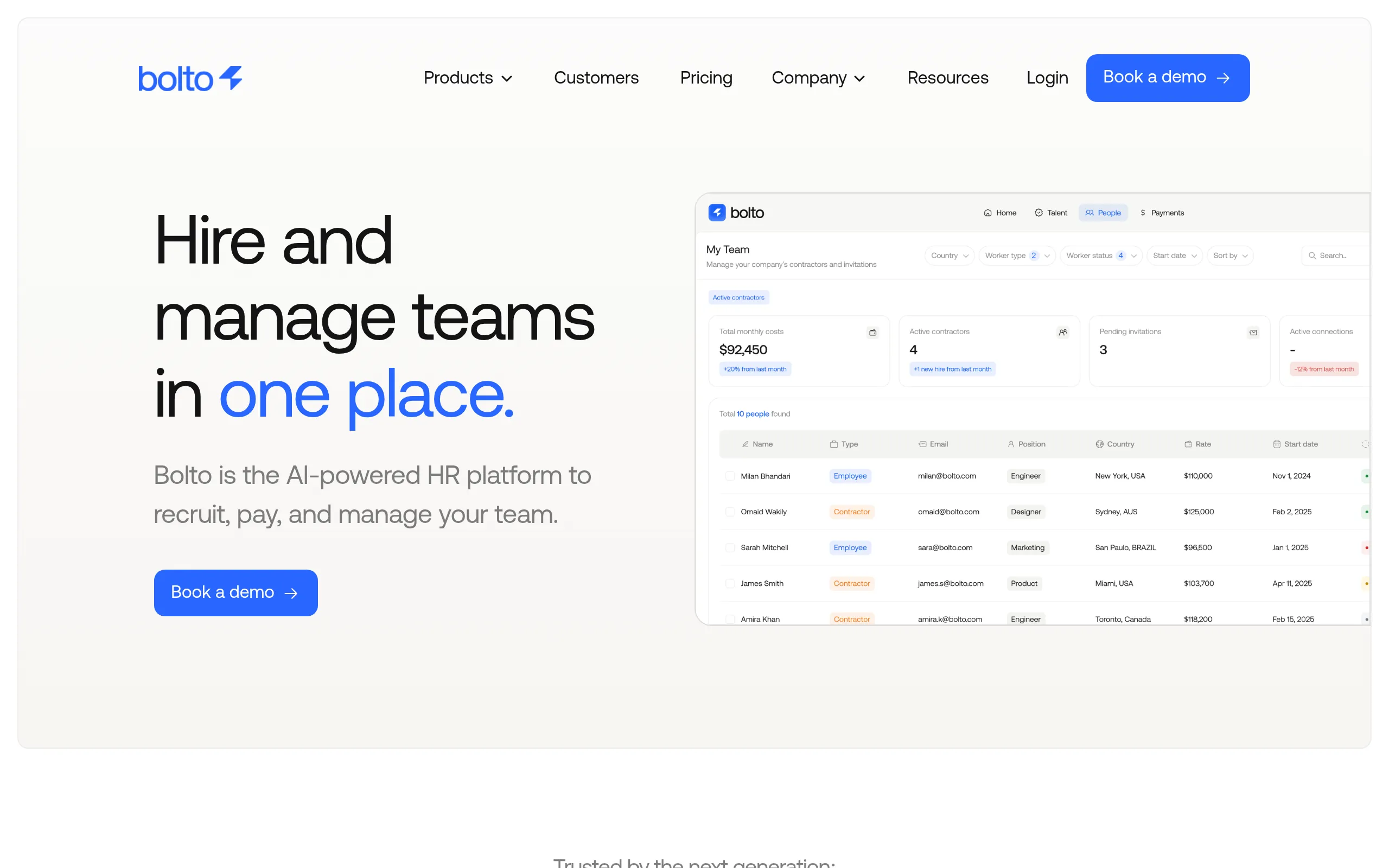
Bolto blends U.S. payroll, HR, and global hiring into one clean workflow, so founders don’t juggle multiple vendors as they expand. It’s built for speed, with onboarding in days, automated filings in all 50 states, and for reach, with coverage that scales to 150+ countries.
Best for: Seed to Series B U.S. startups needing compliant multi state payroll that also hire globally via EOR and contractors.
Bolto stands out by removing the usual early stage duct tape: separate apps for payroll, taxes, and international hiring. A dedicated support rep and fast setup reduce time to first run, while EOR and contractor tools open global hiring without the legal lift of new entities.
Payroll + HR essentials
-
U.S. W 2 payroll and 1099 contractor payments
-
Automated 50 state tax calculation, filing, and remittance
-
Benefits administration including health insurance and 401(k)
-
Global EOR to hire employees in 150+ countries
-
International contractor management with local currency payouts
-
Integrations with major accounting and HR systems
Pricing snapshot
-
Starting at: $599/mo per employee for EOR
-
Model: Quote based for US payroll; modular for global HR
-
Global hiring: Contractors from $599/mo
-
Trial/demo: Demo available
-
Notable limits/add ons: U.S. payroll and PEO services are quote based
2. Workday
Workday delivers one of the most unified platforms for HR, payroll, and finance, ideal when headcount and complexity are rising together. Its continuous payroll processing and AI checks help teams catch issues early and close cycles faster.
Best for: Enterprises (1,000+ employees) with complex, multi state U.S. payroll needing a unified global system with partner EOR capabilities.
What makes Workday compelling is the global design: native payroll in key markets plus an extensive partner network managed through Global Payroll Connect. That means a single source of truth, strong governance, and fewer brittle integrations as you scale worldwide.
Payroll + HR essentials
-
U.S. W 2/1099 payroll with continuous processing and multi state compliance
-
Native payroll for the U.S., Canada, U.K., France, and Australia
-
Global payroll coverage in 180+ countries via certified partners
-
Integrated time tracking, PTO, benefits administration, and recruiting (ATS)
-
Contractor and extended workforce management through Workday VNDLY
-
Pre built integrations for accounting, tax filing services, and global EOR partners
Pricing snapshot
-
Starting at: Custom quoted via the sales team
-
Model: Modular, with separate contracts for partner services
-
Global hiring: EOR/payroll pricing is set by external partners
-
Trial/demo: On site and self guided demos are available
-
Notable limits/add ons: U.S. tax filings often require certified connectors
3. UKG
UKG ties HR, payroll, and workforce management together, a powerful combo for multi state operations with complex hourly work. Its Payment Services and Bryte AI help reduce filing errors and surface anomalies before they become costly.
Best for: Mid market to enterprise US companies with complex multi state payroll and global teams paying workers through their own international entities.
The difference is control and visibility. UKG’s One View brings real time payroll insights across 160+ countries without forcing a rip and replace of in country providers, perfect for leaders who want consolidation and governance, not disruption.
Payroll + HR essentials
-
U.S. W 2/1099 payroll with automated federal, state, and local tax filings
-
Native time, scheduling, and PTO for complex hourly workforces
-
Multi state automation for SUI rates and labor rule compliance
-
Global payroll hub (UKG One View) for visibility across 160+ countries
-
AI agents to automate tasks, spot errors, and simplify reporting
-
Key integrations with NetSuite, QuickBooks, Greenhouse, and more
Pricing snapshot
-
Starting at: Quote based pricing provided upon consultation.
-
Model: Per employee licensing for UKG Pro and Ready suites.
-
Global hiring: UKG One View is priced by country scope and service tier.
-
Trial/demo: Demos are available through the sales team.
-
Notable limits/add ons: Tax filing and W 2 printing are often add on services.
4. SAP SuccessFactors
SuccessFactors is engineered for scale, pairing a proven global payroll engine with deep U.S. tax automation. It’s built to catch issues upstream and keep payroll cycles predictable, even in complex, multi entity environments.
Best for: Large enterprises (1,000+ employees) with complex, multi state U.S. payroll and a significant global workforce needing a unified system.
The Payroll Control Center is the hero here: proactive validations and guided fixes cut manual work. Add native support across dozens of countries and tight linkage to SAP’s finance stack, and you get enterprise grade reliability without stitching together point tools.
Payroll + HR essentials
-
U.S. W 2 payroll with multi state tax automation via BSI TaxFactory
-
Global payroll native in 50+ countries, extended through partners
-
Payroll Control Center for proactive error checking and guided corrections
-
Integrated time, PTO, and benefits administration for automated deductions
-
Contractor management via SAP Fieldglass (1099 payments handled separately)
-
Deep integrations with SAP S/4HANA and third party EOR providers
Pricing snapshot
-
Starting at: $144 per user, per year (1,000 user minimum)
-
Model: Requires Employee Central (core HR) license
-
Global hiring: EOR services via third party partner integrations
-
Trial/demo: Demo available via SAP; no self serve trial
-
Notable limits/add ons: Implementation is required via a certified partner
5. Paycom
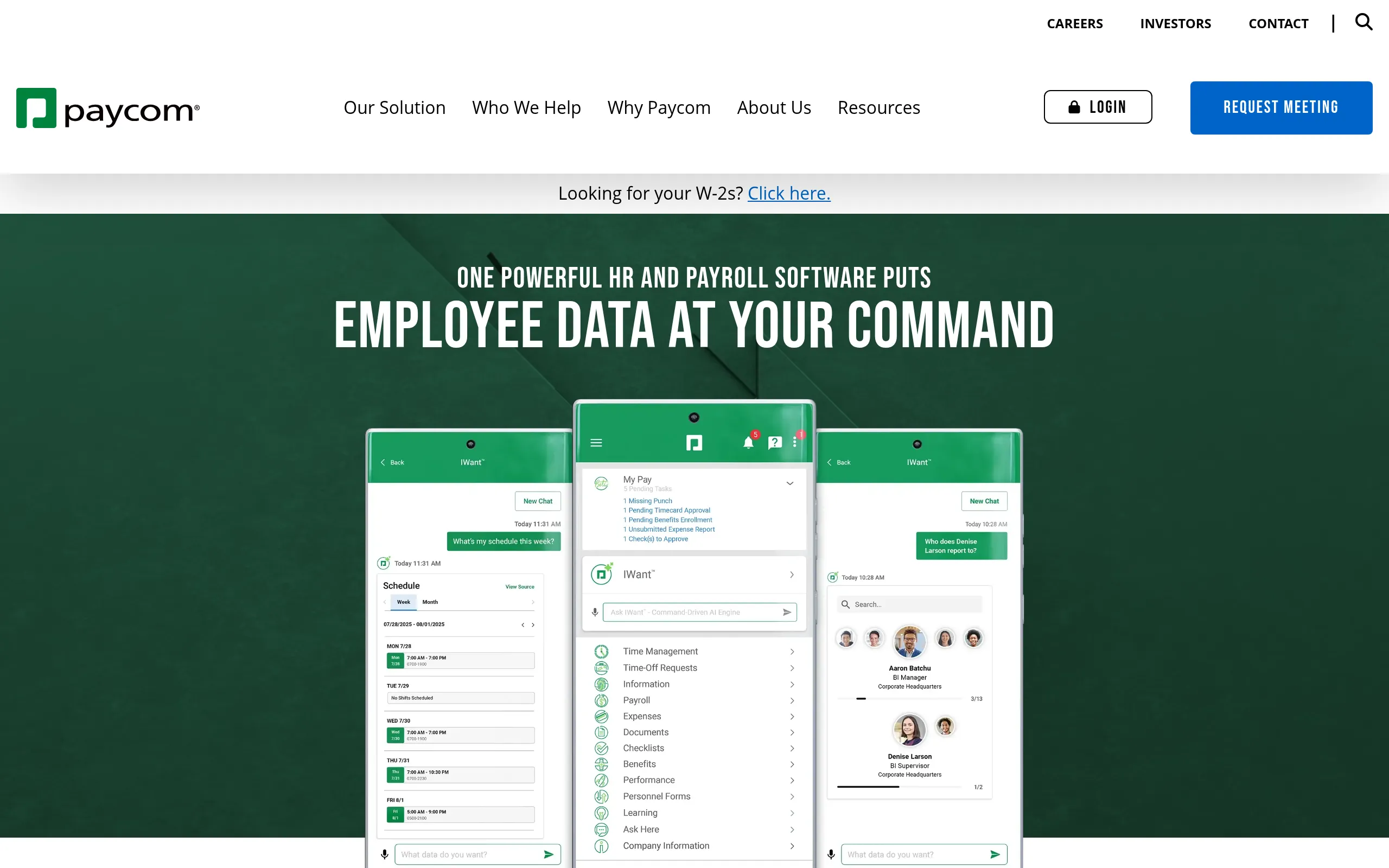
Paycom emphasizes accuracy at the source with its employee driven payroll, Beti, turning error prone reviews into a streamlined, self correcting process. The result is fewer surprises on payday and less admin drudgery for HR.
Best for: Mid market US employers with multi state payroll complexity seeking a single HR database, but not a global Employer of Record.
Because Paycom runs everything in one database, data stays consistent from recruiting through payroll. Leaders get cleaner audits and faster processing, while employees fix issues before submission: real, measurable time and cost savings.
Payroll + HR essentials
-
US W 2/1099 payroll with automated multi state tax filings
-
Beti employee driven payroll (available in US, CA, MX, UK, IE)
-
Integrated time, attendance, PTO, and benefits administration with ACA reporting
-
Talent acquisition suite with applicant tracking, onboarding, and background checks
-
Compliance tools for E Verify, I 9, and government reporting (EEO 1, OSHA)
-
Direct general ledger integration and expense/mileage management
Pricing snapshot
-
Model: Quote based (per employee, per month)
-
Global hiring: No Employer of Record (EOR) service
-
Trial/demo: No free trial; personalized demo required
-
Notable add ons: Year end filing services may incur additional fees
6. Paylocity
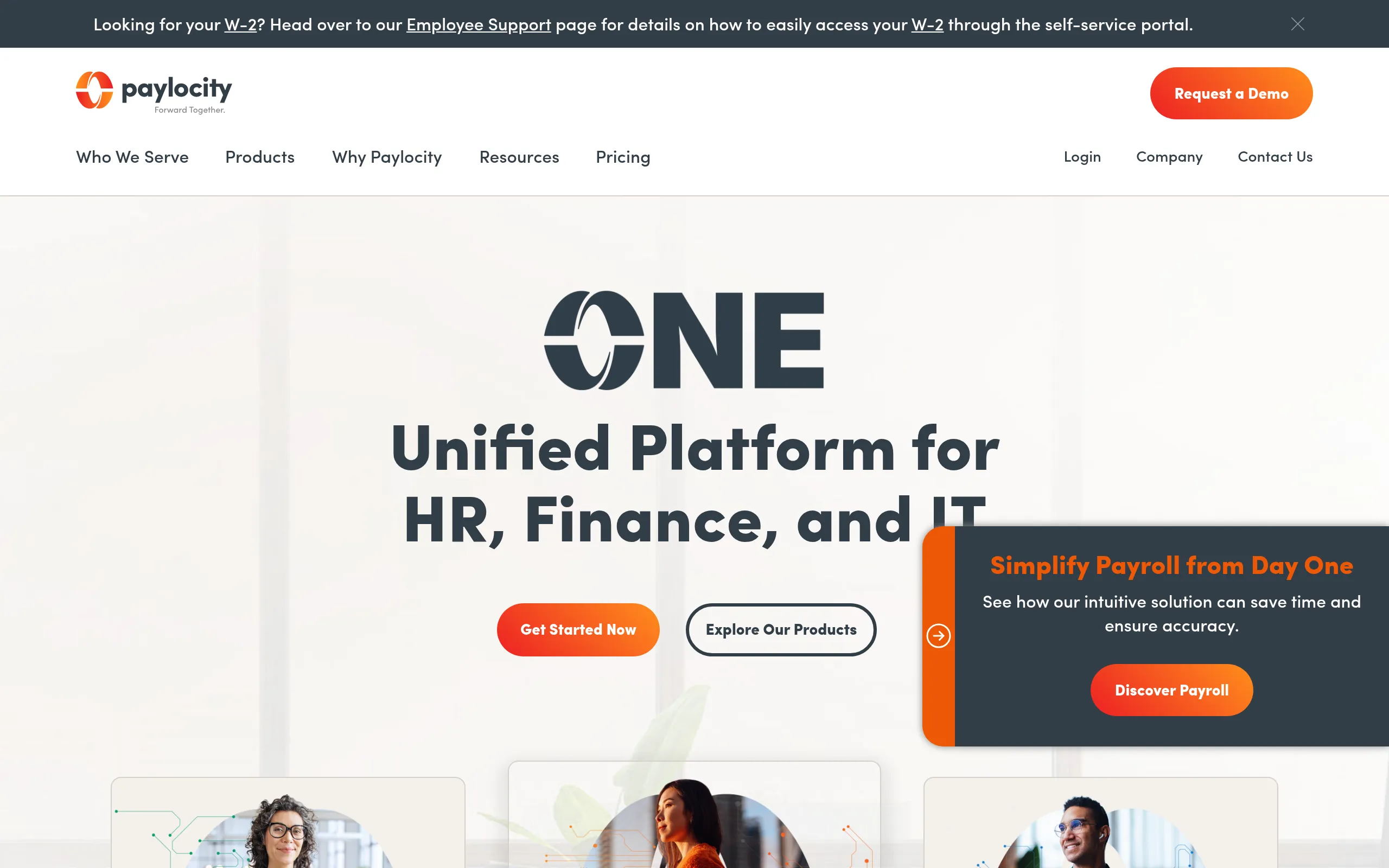
Paylocity brings together payroll, HR, time, and even spend in a single system, great for teams that want fewer vendors and more accountability. Its tax filing liability assumption and proactive alerts help safeguard every payroll run.
Best for: U.S. companies (50 to 1,500 employees) needing multi state payroll and an all in one HCM, with options for global payroll and contractors.
The appeal is a scalable path to global: run U.S. operations confidently, then extend to 100+ countries and EOR via partners without abandoning your hub. That continuity lowers switching costs and keeps reporting consistent.
Payroll + HR essentials
-
Full service U.S. W 2/1099 payroll with automated multi state tax filings and compliance
-
Integrated time tracking, PTO management, and benefits administration with carrier connections
-
Global payroll capabilities available in over 100 countries for unified reporting
-
EOR and global contractor hiring available through a dedicated partner integration (G P)
-
On demand pay (earned wage access) for employees
-
Integrations with QuickBooks, NetSuite, Greenhouse, Lever, Okta, and more
Pricing snapshot
-
Starting at: Quote based pricing
-
Model: Base fee + per employee monthly
-
Global hiring: Global payroll is an add on; EOR via partner has separate pricing
-
Trial/demo: Demo available
-
Notable limits/add ons: Time, benefits, and talent modules are common add ons
7. Paycor
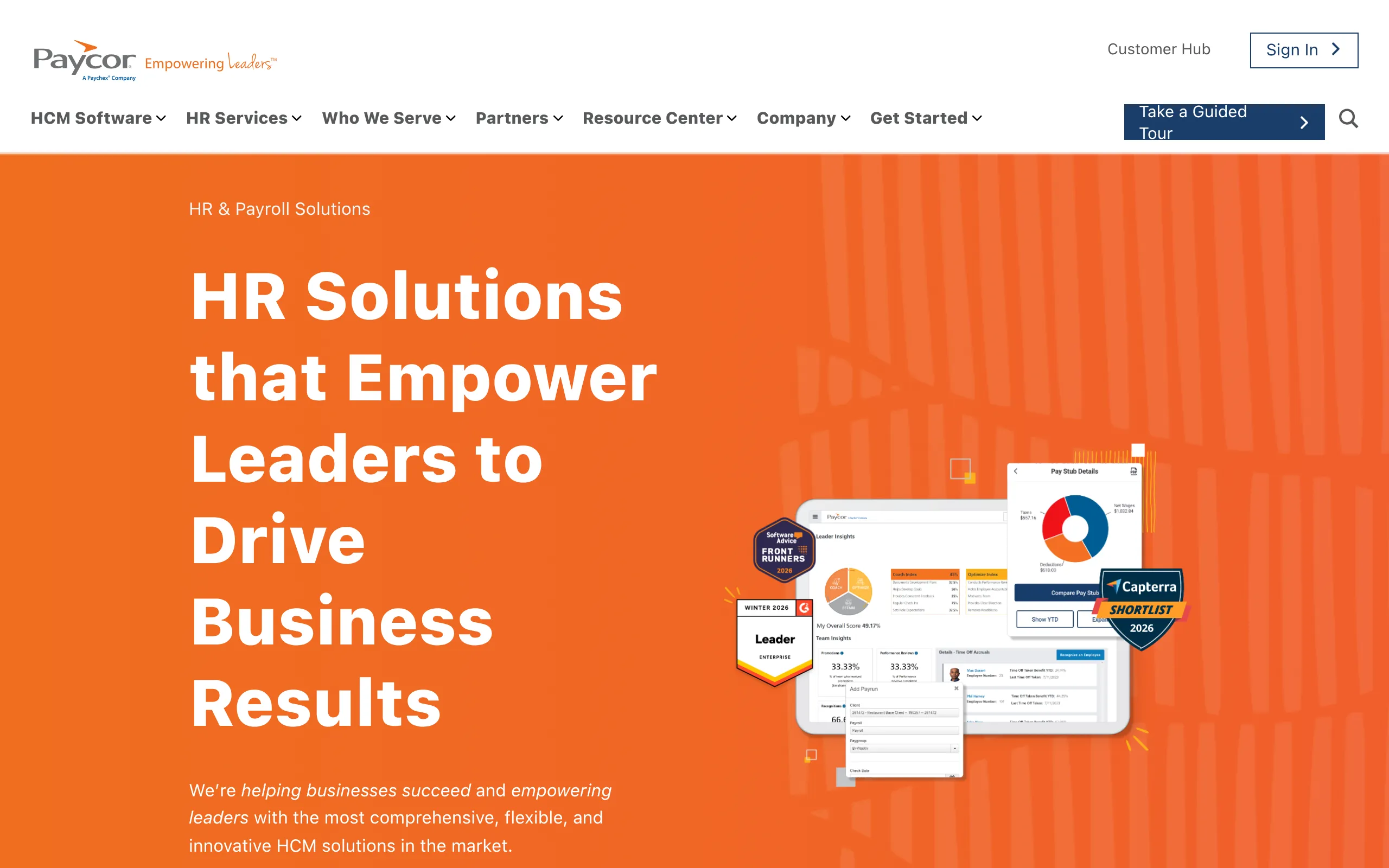
Paycor is a pragmatic choice for growing U.S. companies that want everything (from payroll to time and benefits) under one roof. Unlimited payroll runs and straightforward compliance tools make day to day operations simpler.
Best for: US based SMBs and mid market companies (10 to 1,000+ employees) needing a unified HCM suite for multi state payroll with partner based global EOR.
The platform’s marketplace approach to global hiring means you can keep domestic HR centralized while tapping EOR partners when needed. It’s a cost conscious way to support international plans without overcommitting.
Payroll + HR essentials
-
Full service US W 2/1099 payroll and multi state tax filing
-
Time & attendance, PTO, and benefits administration
-
Employee onboarding with E Verify and contractor hiring tools
-
Global EOR/Contractor hiring via marketplace partners
-
Earned Wage Access (OnDemand Pay)
-
Integrations with QuickBooks, NetSuite, and recruiting platforms
Pricing snapshot
-
Starting at: $99/month + $5/employee
-
Model: Tiered per employee, per month bundles
-
Global hiring: EOR partners are priced separately
-
Trial/demo: Guided demos available
-
Notable limits/add ons: Advanced modules and overage fees may apply
8. Rippling
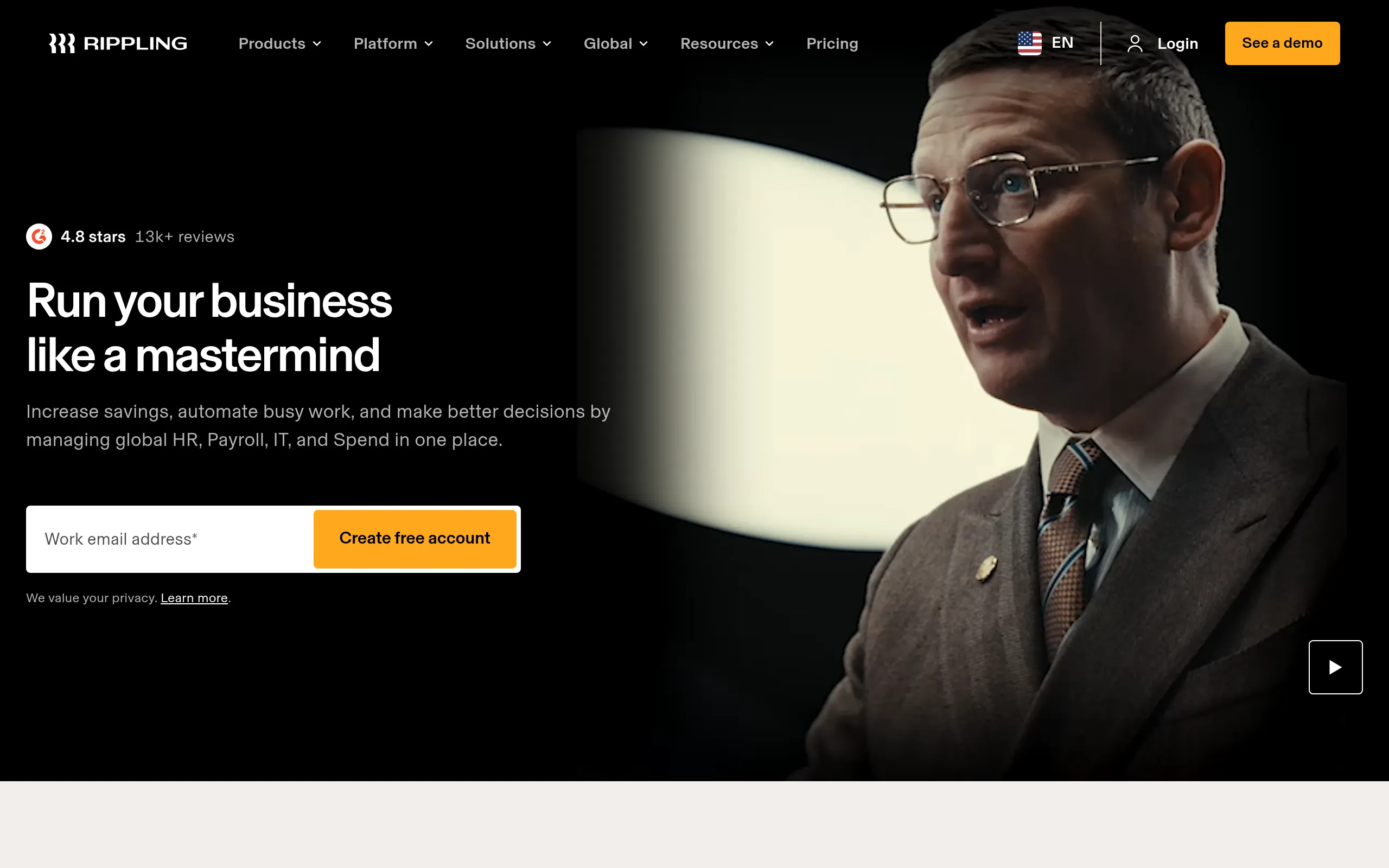
Rippling unifies HR, payroll, and IT so you can onboard, provision, and pay in minutes, not days. Its speed comes from a single data model that syncs changes everywhere, shrinking errors and admin work.
Best for: US companies scaling from 20 to 1,000+ employees that need fast multi state payroll and plan to hire globally.
The platform is built to scale: run U.S. payroll, pay contractors in 185+ countries, and flip on EOR in 80+ without switching systems. That consolidation keeps total cost in check and gives leaders clear visibility as teams expand.
Payroll + HR essentials
-
US W 2/1099 payroll with automated multi state tax filings
-
Integrated time tracking, PTO, and benefits administration
-
Global contractor payments in 185+ countries
-
Employer of Record (EOR) services in 80+ countries
-
Native integrations with accounting (QuickBooks, NetSuite) and HRIS
-
Unlimited off cycle pay runs and new hire reporting
Pricing snapshot
-
Starting at: $8 per employee/month (plus base fee)
-
Model: Modular; payroll is an add on to the core HRIS
-
Global hiring: EOR starts at $499 per employee/month
-
Trial/demo: Demo available; no public free trial
9. Sage HRMS
Sage HRMS is a dependable, on premise option for leaders who want tight control over domestic payroll and data. It pairs U.S. and Canadian payroll with integrated e filing and quarterly tax updates to keep compliance steady.
Best for: US based SMBs and mid market firms wanting on premise control with in house, multi state payroll, without needing built in global EOR.
Its strength is predictability. Deep ties to Sage 100/300 accounting and Aatrix e filing reduce vendor sprawl and keep payroll, HR, and finance aligned, especially for organizations staying primarily U.S. centric.
Payroll + HR essentials
-
In house US and Canadian payroll with automatic tax table updates
-
Federal and state e filing for W 2s and 941s via Aatrix
-
Multi state payroll compliance and reporting capabilities
-
Direct deposit (ACH/EFT) and garnishment calculations
-
Employee Self Service (ESS) for pay stubs, benefits, and time off
-
Native integrations with Sage 100/300 accounting software
Pricing snapshot
-
Starting at: Quote based; licensed per module
-
Model: Modular (Payroll, Benefits, ESS)
-
Global hiring: Not offered; requires a third party EOR
-
Trial/demo: Demos available upon request
-
Notable limits/add ons: E filing via Aatrix has separate package pricing
10. BambooHR
BambooHR starts with a friendly HRIS and layers in full service U.S. payroll, so data flows cleanly from onboarding to payday. That sync means fewer manual corrections and automatic federal, state, and local filings.
Best for: US based SMBs (25 to 500 employees) needing multi state payroll within an HRIS, with optional EOR and global contractor support.
Founders like the practical pricing and quick start, while an embedded EOR (via Remote) opens hiring in 90+ countries. It’s a straightforward path from domestic payroll to a globally capable stack.
Payroll + HR essentials
-
Full service US payroll with W 2/1099 and multi state tax filing
-
Integrated time tracking, PTO, and benefits administration sync to payroll
-
Pay US based 1099 contractors alongside W 2 employees
-
Global Employer of Record (EOR) for hiring in 90+ countries (via Remote)
-
Native integrations for accounting (QuickBooks, NetSuite) and 150+ other apps
-
Automated overtime calculations, compliance alerts, and detailed audit trails
Pricing snapshot
-
Starting at: $10 per employee/month (or $250/mo flat rate for ≤25 staff)
-
Model: Core HR subscription with a la carte Payroll/Benefits add ons
-
Global hiring: EOR from $599/mo; Contractor Management at $29/mo (via Remote)
-
Trial/demo: 7 day free trial and live demos are available
-
Notable limits/add ons: Payroll and Benefits are US only add ons
Implementation guide: migrating and rolling out HRMS payroll
Switching to a new HRMS payroll software can feel daunting, but a structured approach can ensure a smooth transition.
-
Plan and Prepare: Create a detailed project plan with a clear timeline. Identify key stakeholders from HR, finance, and IT who will be involved in the process.
-
Clean Your Data: Before migrating, ensure your existing employee and payroll data is accurate, complete, and consistently formatted. The “garbage in, garbage out” principle absolutely applies here.
-
Configure the New System: Work with your new provider to set up payroll schedules, tax information, benefits plans, and time off policies according to your company’s specific rules. Don’t just stick with default settings.
-
Run Parallel Payroll: This is a critical step. Run your old and new payroll systems simultaneously for at least one pay cycle to compare results and catch any discrepancies before fully cutting over.
-
Train Your Team: Provide thorough training for both administrators who will manage the system and employees who will use the self service portal.
-
Go Live and Support: Once you’ve confirmed everything is working correctly, officially switch to the new system. Ensure your team knows who to contact for support with any questions that arise. For an even smoother transition, platforms like Bolto offer dedicated managers to guide you through implementation and beyond. For a real world example, see the Rebet case study on building an engineering team and onboarding fast.
Trends in HRMS payroll software for 2025
The world of HR and payroll technology is constantly evolving. Here are the key trends shaping the future of HRMS payroll software.
-
AI and Automation: Artificial intelligence is being used to automate repetitive tasks, detect payroll errors before they happen, and provide predictive analytics on workforce trends. The global HR payroll software market is expected to grow to over $57 billion by 2029, driven largely by AI and automation.
-
Unified Global Platforms: As more companies hire globally, there’s a growing demand for single platforms that can manage payroll, compliance, and HR for employees and contractors across multiple countries. For a deeper comparison of leading options, see our take on the best global payroll services.
-
Embedded Finance and On Demand Pay: Modern solutions are offering more financial wellness tools for employees, including options for on demand pay, which gives workers access to their earned wages before the official payday.
-
Focus on Employee Experience: Leading platforms are prioritizing user friendly, mobile first interfaces that empower employees with self service capabilities and greater transparency into their compensation and benefits.
Conclusion: Your next steps
Choosing the right HRMS payroll software is a strategic move that can save your company significant time, reduce compliance risks, and provide the data needed to make smarter business decisions. The trend is clearly moving away from siloed tools and toward integrated platforms that manage the entire employee lifecycle, from recruiting and onboarding to payroll and offboarding. By consolidating these functions, you can eliminate administrative bottlenecks and focus on what truly matters: building your team and growing your business.
Ready to see how an all in one recruiting, HR, and payroll platform can transform your operations? Explore Bolto to learn more.
FAQs
What is the main difference between HRIS and HRMS?
An HRIS (Human Resource Information System) is primarily a database for core employee records. An HRMS (Human Resource Management System) includes all the features of an HRIS but adds more comprehensive functionalities like payroll processing, time and attendance, and benefits administration.
Can a small business benefit from HRMS payroll software?
Absolutely. Modern cloud based HRMS payroll software is scalable and affordable for small businesses. It automates time consuming tasks, helps ensure tax compliance which can be a major headache for small teams, and provides a professional experience for employees.
How does HRMS payroll software handle multi state and global employees?
Advanced HRMS platforms are designed to manage these complexities. For multi state employers, the software automatically calculates and withholds the correct state and local taxes. For global teams, top tier systems offer integrated Employer of Record (EOR) services to handle international compliance, payroll, and benefits legally. If you’re weighing employees vs contractors in India, this guide covers key legal and tax implications.
How secure is my data in an HRMS payroll system?
Reputable HRMS providers make security a top priority. They use data encryption, secure cloud infrastructure, and attribute based access controls to protect sensitive employee information like bank details and personal data. Always verify a vendor’s security protocols before signing up.
What is the typical implementation time for a new HRMS?
Implementation time can vary depending on the complexity of your needs and the size of your company. For a small to mid sized business, the process can take anywhere from a few weeks to a couple of months. A well planned migration with clean data will speed up the process significantly.
Why should I choose an integrated HRMS payroll software over separate tools?
An integrated system reduces manual data entry, which minimizes errors and saves time. It creates a single source of truth for all employee data, improves reporting capabilities, and provides a more streamlined, cohesive experience for both your HR team and your employees.